 Calq
Calq Community
Buildings drawn by everyone.
Open any model in your browser and walk through it. Make a copy and make it yours, then share your own.
- models
- 43
- buildings
- 319
- shared by members
- 1
Weekly design challenge 2026-W46
A reading room
A small public reading room full of daylight: shelves, tables, a quiet corner and a way in from the street that invites people inside.
No entry yet. Yours could be the first.
How to enter: open Share on a model of yours, turn on Share it with the Community, then Enter this week's challenge. One entry a person a week. The entry whose link is copied most before the close wins, then the most opened: no votes, no judges. Winners stay on this page.
Built in Calq
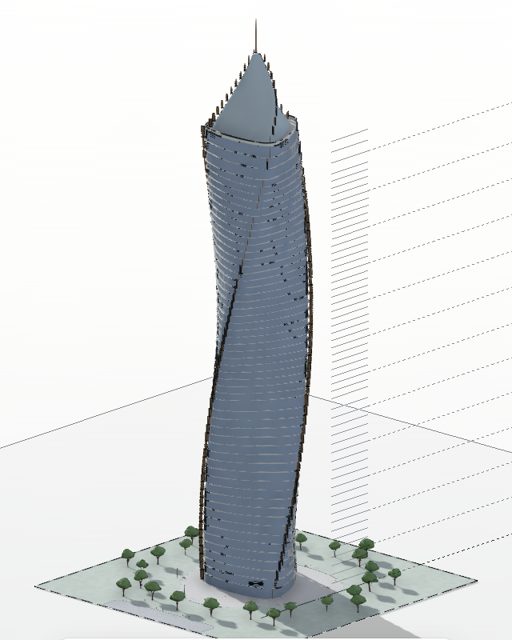
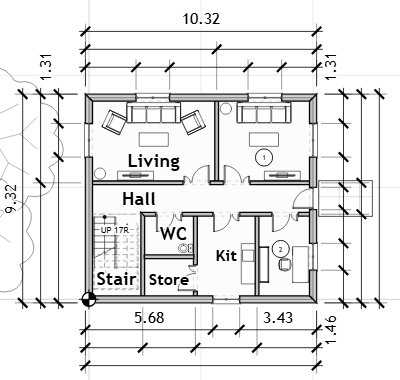
Three buildings drawn with the same tools you use, from a house to a tower of 56 storeys.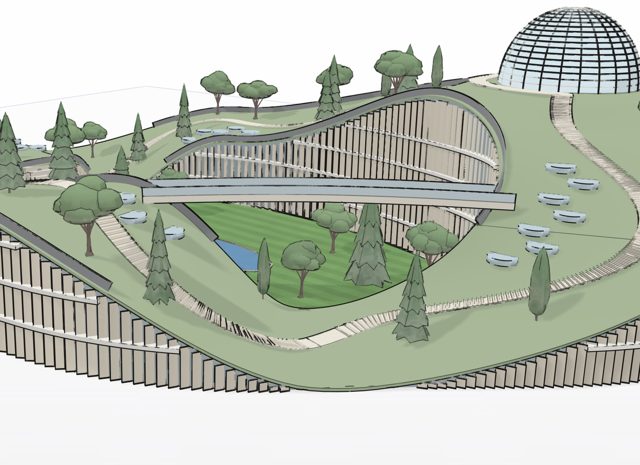
Shared by members
1The newest first.From the Calq catalogue
42Each one opens as a whole BIM model, ready to change.No model matches. Show everything
How sharing works
Press Share
On any model of yours, press Share at the top of the board.
Share it with the Community
Open the link to anyone, pick the kind of building and choose whether your name shows.
People build on it
They open it, walk through it and make copies of their own. Share tells you how many.
Questions
Is it free?
Yes. Opening, copying and sharing models is free; a copy needs a free account.
Can people change my model?
No. A shared model opens read only. Someone who copies it changes their own copy, never yours.
Can I take it down?
Yes, at any time: set the model back to Restricted in Share, or delete it, and it leaves the Community within a minute.
What do I need to open one?
A browser, on any computer. Every model can also be saved as IFC for other BIM tools.
Draw it once. Share it with everyone.
The next model someone copies could be yours.