CalqFrançaisOpen Calq
Learn Calq: a building from A to Z / Part 1 Set up the project
Levels and storeys
Name the ground floor, add the storeys above, give the shop storey its height and move between the storeys.
You will lay the four storeys of the course's building: a ground floor for the shops, 4.50 m floor to floor, and three storeys of flats, 3.00 m each.
01The levels of a new model
Open Margin on the right rail and choose its Levels tab. A new model has one level, Level 1, at 0. Each row is a storey: the dot that makes it the active storey (the one the plan draws), its name, how many elements stand on it, its height to the storey above and its elevation.
Under the rows: Add on top, Duplicate (the active storey and what is on it, 3 m higher), Show only the active storey in 3D, Typical floors with Stack up, and the per-storey schedule.
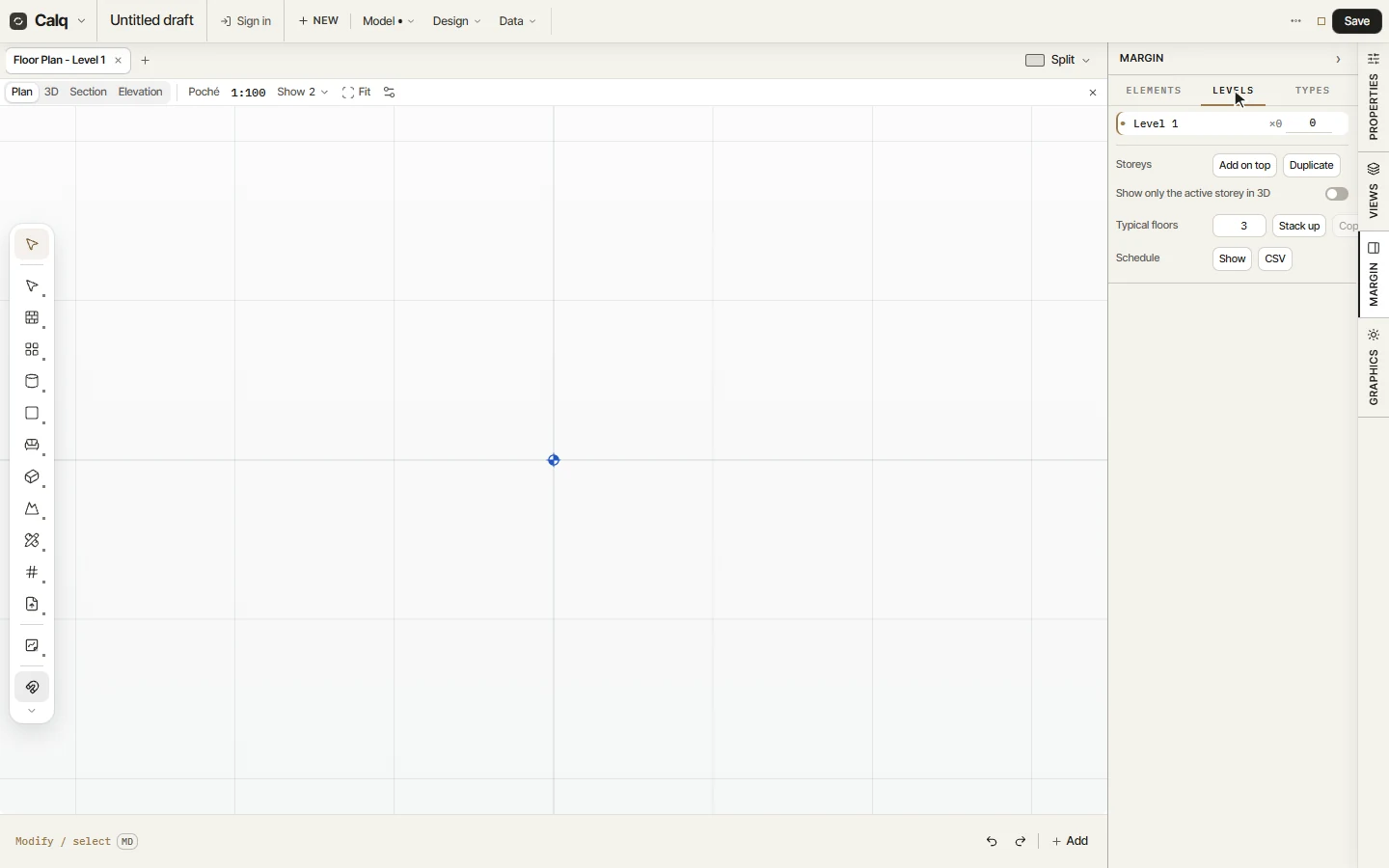
02Name the ground floor and add the storeys
Click the name Level 1, type Ground and press Enter. Then click Add on top three times: three storeys are added, each 3.00 m above the last.
03Set the elevations
An elevation moves its storey and everything on it, so work from the top: click the top storey's elevation, type 10.5 and press Tab; then 7.5 for the next and 4.5 for the first floor. The ground floor now stands 4.50 m floor to floor, as the figure beside it says, and the flats keep their 3.00 m.
04The storeys on the strip
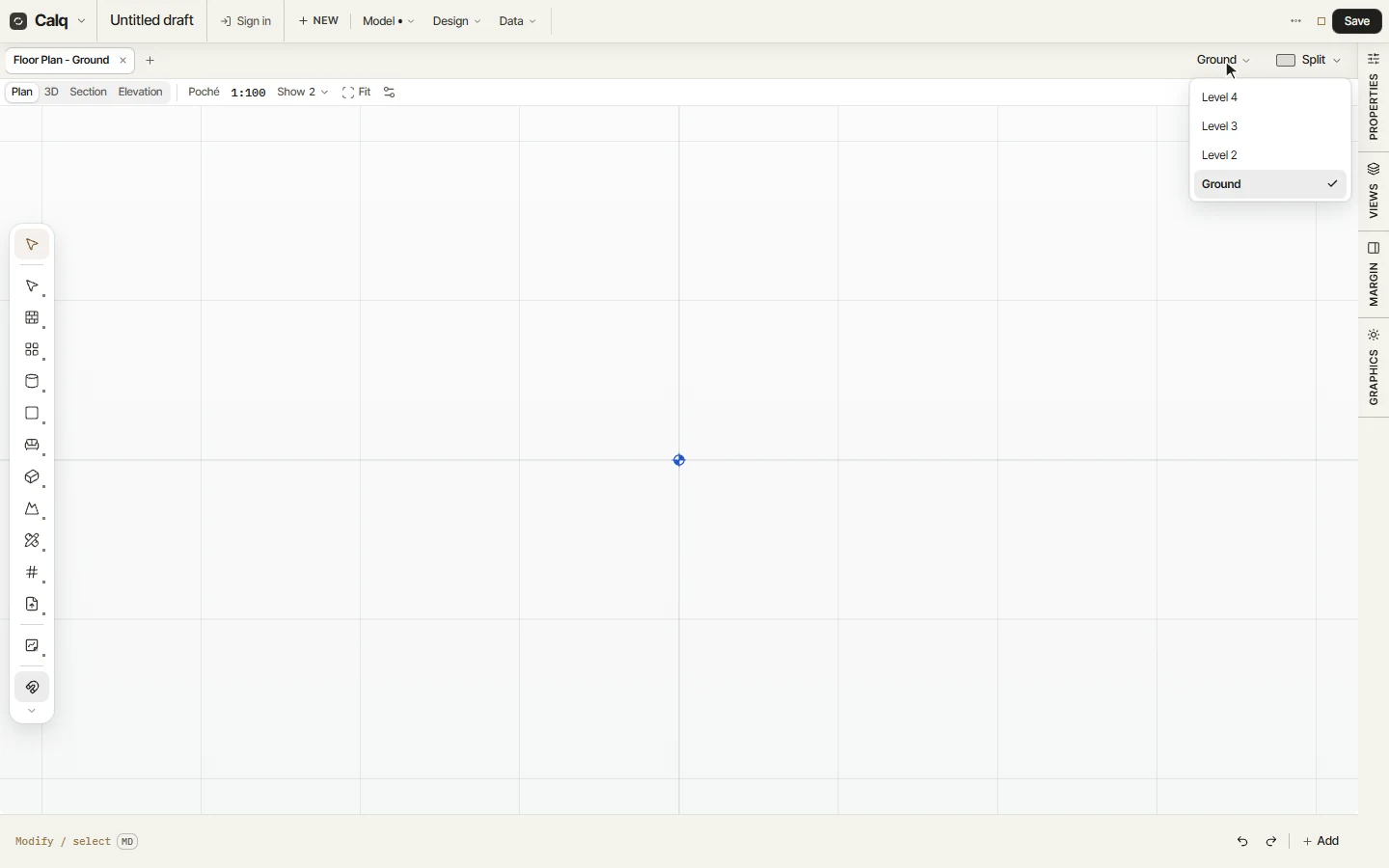
Close the Margin. Once a model has more than one storey, a storey picker stands on the strip beside Split: click it and choose a storey, and the plan draws that storey. How a level head looks in sections, elevations and 3D (a target, a triangle, a rule or a tag), where the heads stand and which storeys they show is chosen under Model, Datums.