CalqFrançaisOpen Calq
Learn Calq: a building from A to Z / Part 4 Massing
Massing options from the brief
Let Calq try every block form on the plot for the brief, inside its rules, and choose one of the three it offers before any room is drawn.
You will draw the massing options of the worked project's brief, read and compare the three, and lay the flats on the one you choose.
The files this lesson uses: brief.csv
01Draw the options
With the plot, its rules (Part 2) and the brief (Part 3) in the model, open the Programme drawer and go down to Brief to building. As the designer, press Draw the massing options.
Calq tries every block form (a slab, a point block, an L, a U, a courtyard and more) by every access it knows (a corridor, a deck, a core), at the storeys the plot allows, each fitted inside the setbacks, the site coverage and the floor area ratio. It reads where the brief puts its lines: the shops on the ground lift the flats to the storeys above.
02Read the three
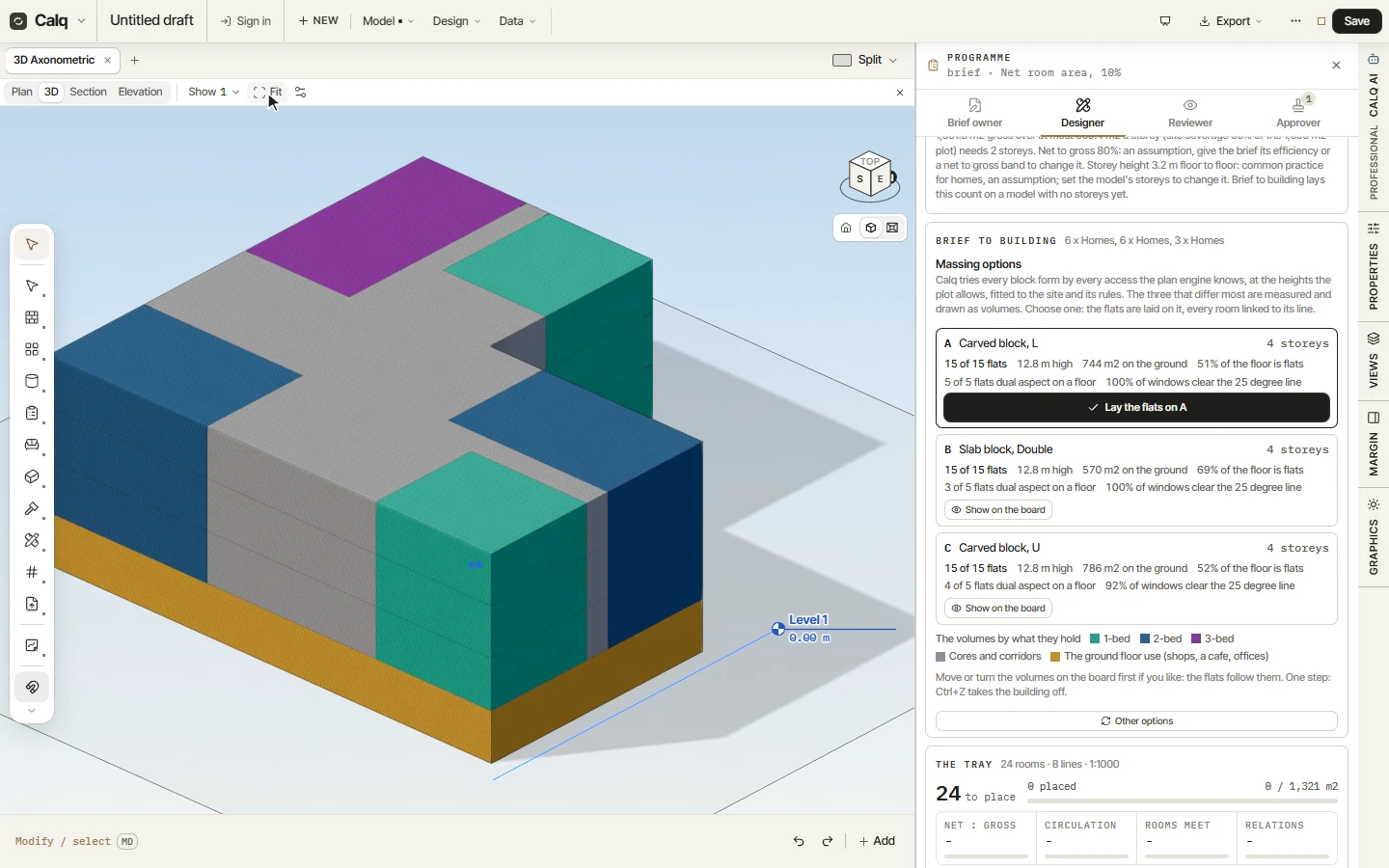
Here the three are an L carved out of the plot (744 m2 on the ground, every flat of a floor with two aspects), a double-loaded slab (570 m2 on the ground, the most efficient floor: 69% of it flats) and a U (786 m2 on the ground). Each is 4 storeys and 12.8 m high, the shops on the ground and the 15 flats on the three storeys over them, inside every rule of the plot.
Each card says the flats it holds against the flats asked, its height, its footprint, how much of a floor is flats, the flats with two aspects and the windows clear of the 25 degree line. An option that falls short of the brief or past a rule says so.
03Flip between them
The options are a set of design options: Show on the board flips the model to that option in every view. Each storey is drawn as volumes by what it holds, a tone for each type of flat, one for the cores and corridors and one for the shops on the ground. You may move or turn the volumes first: the flats follow them.
04Lay the flats on one
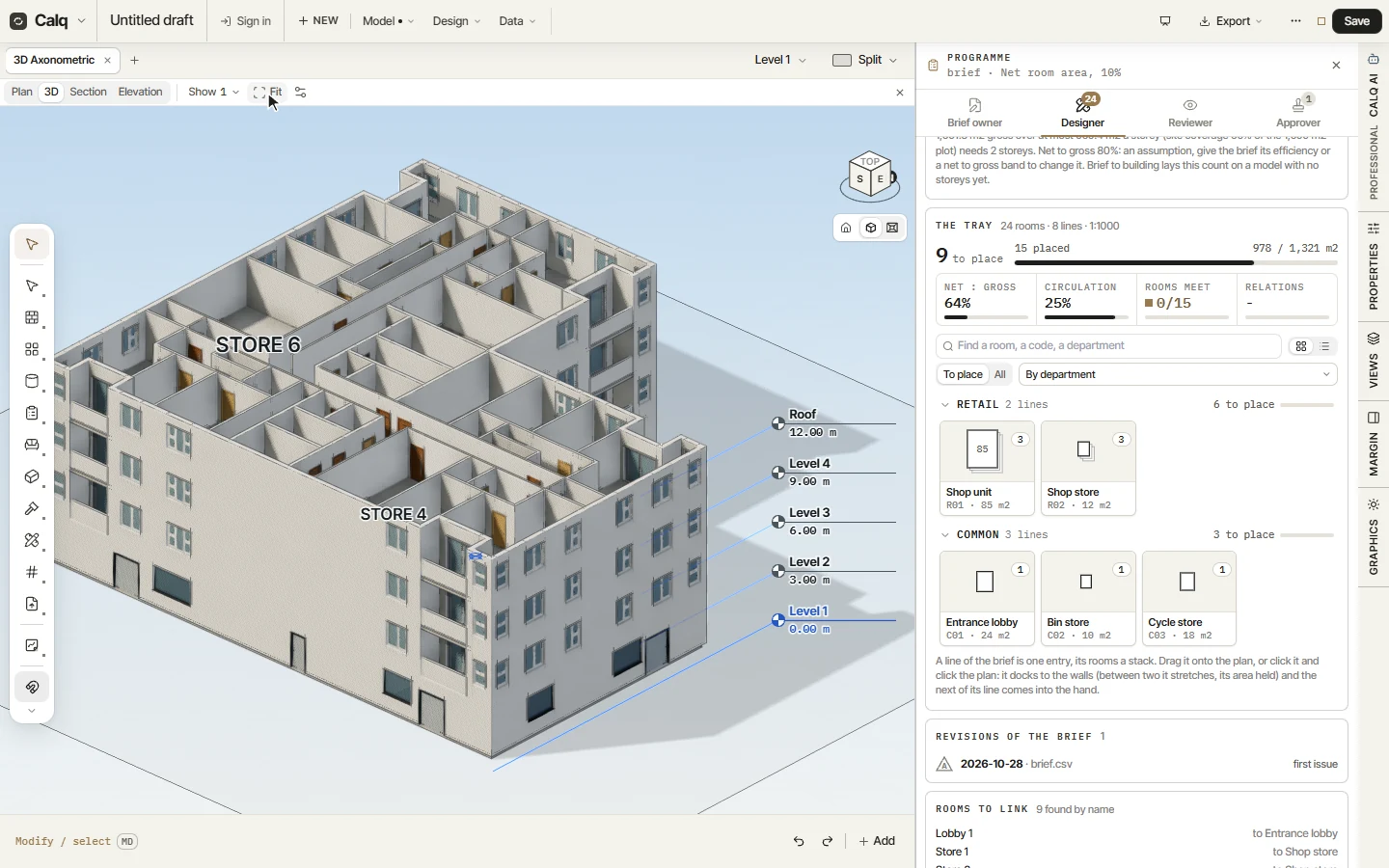
With the option you chose shown, press Lay the flats on it. The plan engine lays the shops on the ground and the flats on the storeys above, every room linked to its line of the brief, as one step that Ctrl+Z takes back. Other options draws a fresh set never shown before.