 Calq
CalqLearn Calq: a building from A to Z / Part 12 Working together
Save the model, then share it
Why sharing starts with saving, what a guest board offers, and who can open a model once it is saved.
You will see how a drawing made as a guest becomes a model in your account, and who that model can be opened by.
01A guest board is yours alone
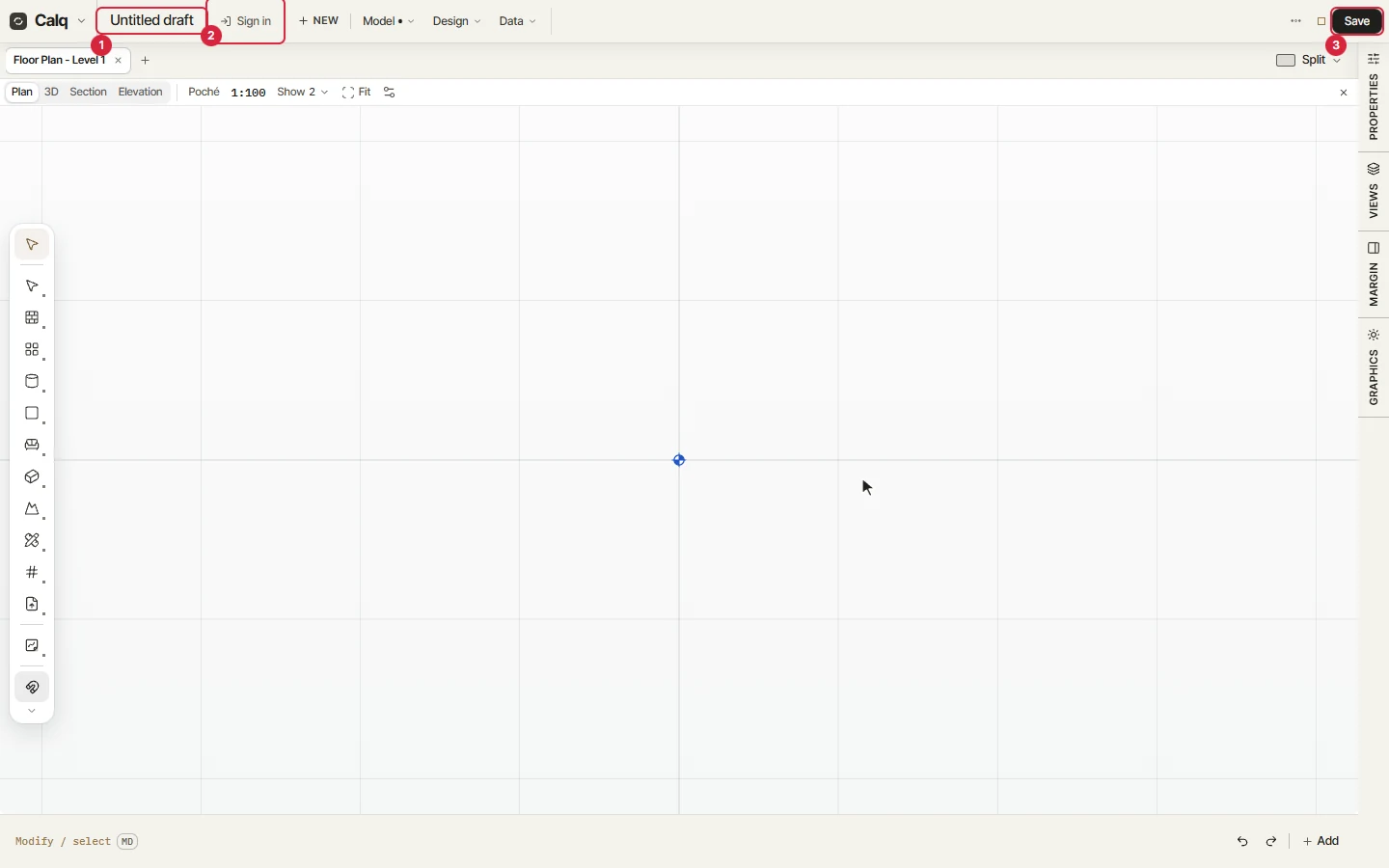
A board opened without signing in is a guest board. Its title (1) reads Untitled draft, and the strip offers Sign in (2) and Save (3). What you draw stays in this browser, on this device: nobody else can open it, and nothing reaches Calq's servers.
Everything in this part works on a saved model: the people on it, live cursors, comments, the sign-off of the brief and the model's history. A guest board shows none of it, so this part draws what it cannot show.
02Save it
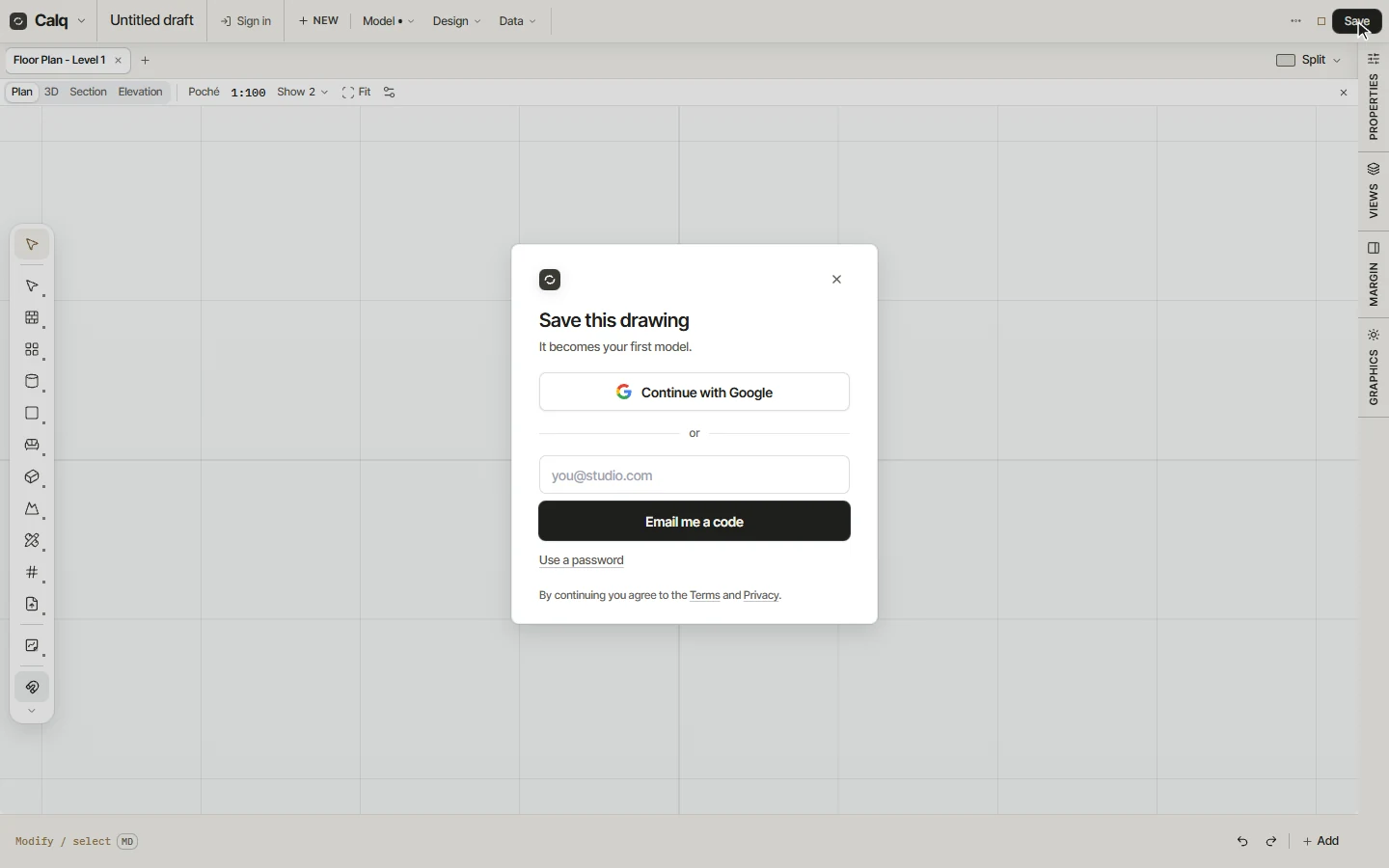
Press Save. Save this drawing asks you to continue with Google or with a code sent to your email, which makes a free account if you have none: the drawing becomes your first model, kept in your models and saved as you work.
On a saved model the strip changes: a stamp says when the model was last saved, and Share, Comments and History stand beside it. They are the doors to the rest of this part.
03Who can open a model
Share opens the card Share this model. It says who is on the model right now, lists the people on it (the next lesson) and ends with General access, which sets who the model's link opens for:
- Restricted: only the people added to the model can open it. Keeping a model private depends on the owner's plan (on calq.live/pricing): a model made on the Free plan opens to anyone with its link, as a Viewer.
- Anyone with the link: the link opens the 3D and the drawings, as a Viewer without signing in, or, on a plan that allows it, as a Commenter who signs in to Calq to comment. A link never edits.
- Anyone with the link can make a copy: a person with the link copies the model as it stands into an account of their own. The owner may turn it off.
Only the owner of the model changes who has access.