CalqFrançaisOpen Calq
Learn Calq: a building from A to Z / Part 4 Massing
The spine
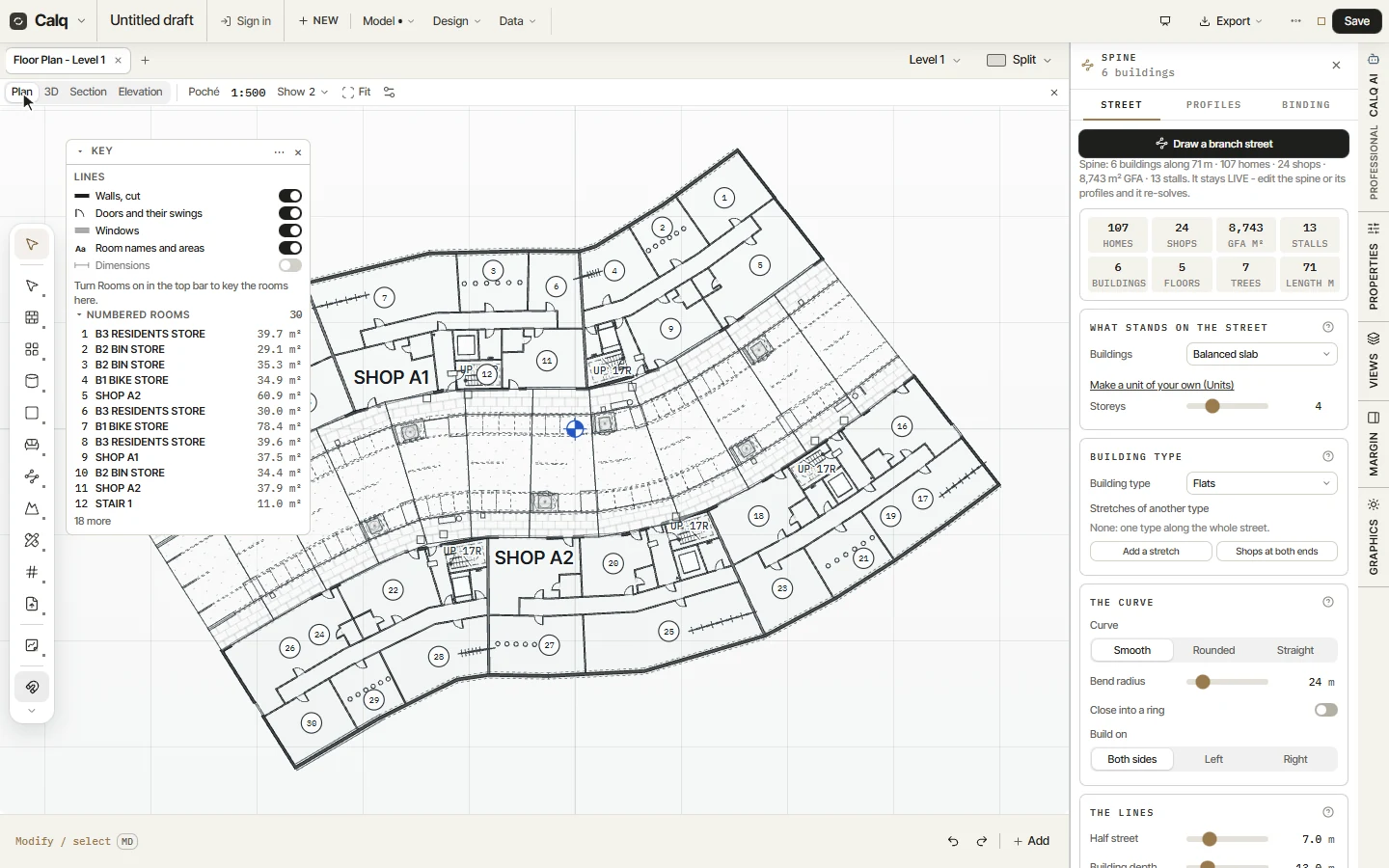
Draw a street as a curve and let buildings stand along both sides of it, their flats laid by the plan engine.
You will draw a street and see a row of buildings stand along it, its homes, shops and floor area counted.
01Draw the street
Choose Spine in the Mass toolset: the Spine drawer opens with the tool in hand. Click along the street's path, then press Enter (or double-click). Buildings stand on both sides, from the street line back to the rear line, following its curve.
Before you draw, the drawer sets what stands on the street (the buildings and their storeys), the building type, the curve (smooth, rounded or straight, and the bend radius), the sides to build on and the lines: half the street and the depth of the buildings.
02The street in 3D
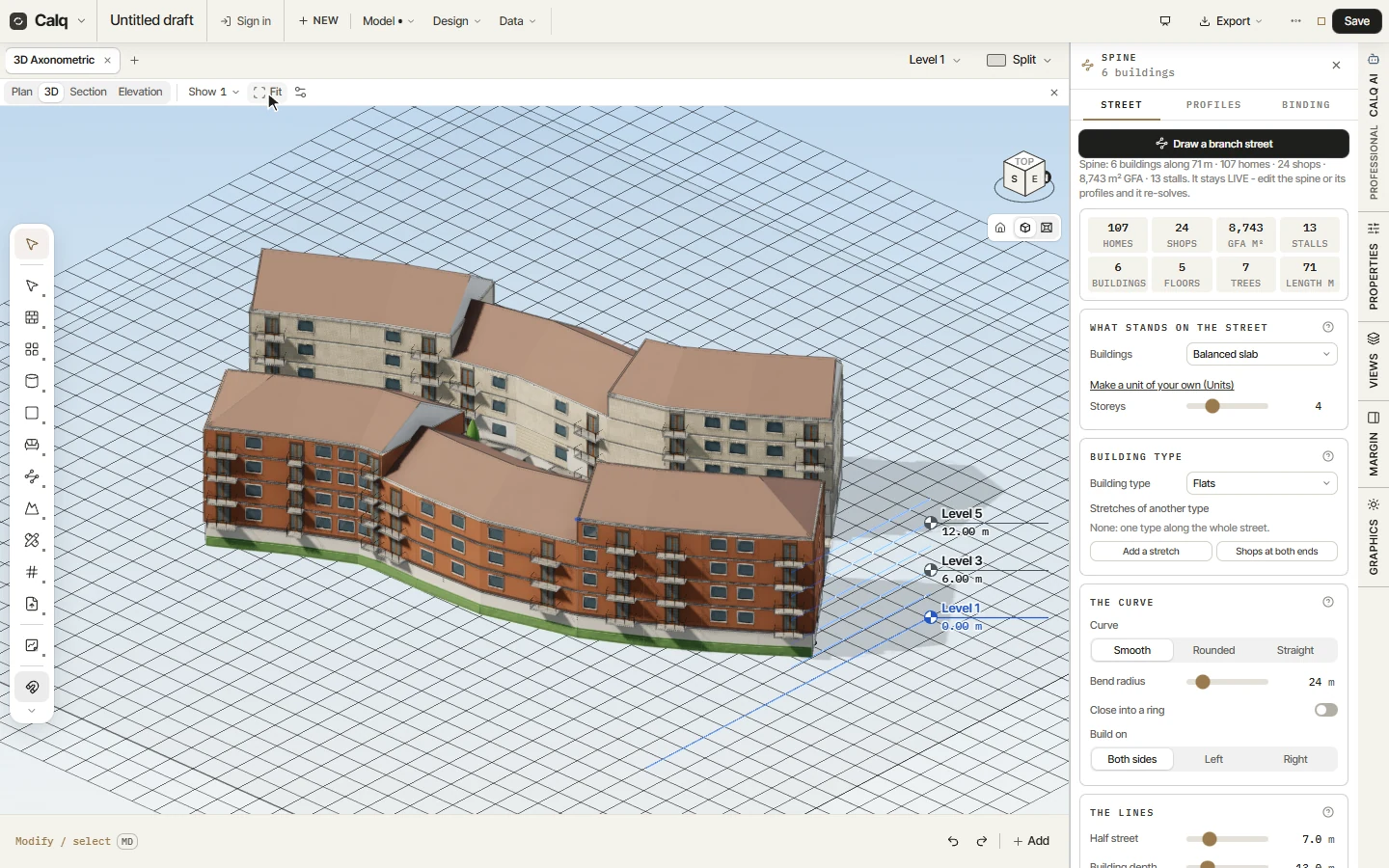
In 3D the street stands whole: each building with its flats laid by the plan engine, its facades, its balconies and its roof. Here six buildings of four storeys follow the curve.
03What it counts
The drawer counts what the street holds: its homes, its shops, its gross floor area, its parking stalls, its buildings, floors and trees, and its length. The street stays live: move a point of the spine or change a setting and every row is laid again.
A stretch of the street can take another building type (Add a stretch), and Shops at both ends puts shops at its ends. The Spine is for more than one plot: a street, an estate, a campus.